 AI-First Culture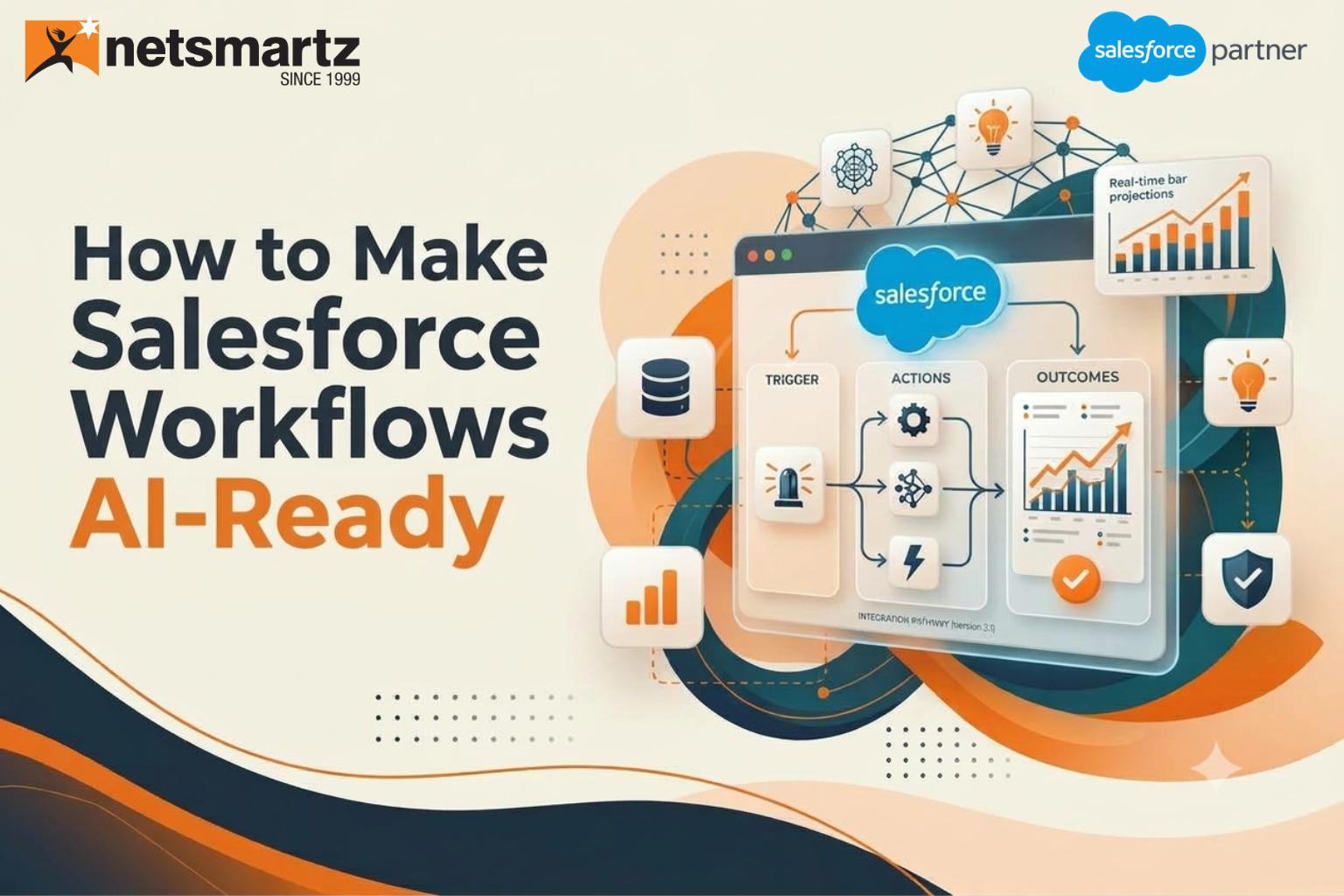
Many organizations across MENA are investing in Agentforce, Einstein AI, and Data Cloud. Yet AI success doesn't start with technology. It starts with the workflows your people use every day. The hard part usually isn't finding use cases. It's spotting which processes are truly ready. Plenty of teams in the UAE, Saudi Arabia, and beyond are sitting on strong, untapped opportunities inside Salesforce without realizing it. This guide shows you exactly where to start looking.
Why AI Initiatives Fail to Deliver Expected ROI
Most stalled projects start with a few comfortable assumptions. Teams expect AI-powered workflows to lift output on their own. They figure existing workflows can just be automated. And they hope AI will smooth over messy processes along the way.
It rarely works out that way. Poor workflows produce poor AI results. Disconnected processes add complexity, and manual exceptions keep automation from holding up. Plenty of teams only spot these problems after the budget is spent. McKinsey's latest State of AI survey shows how common that is: just 39 percent of respondents reported any enterprise-level EBIT impact from AI, and the high performers were the ones redesigning workflows. With national AI ambitions running high in the UAE and Saudi Arabia, leaders across MENA feel that pressure to show returns more than most.
Are Your Salesforce Workflows Actually Ready for AI?
Before picking a tool, sit down with your sales and service leads and go through a short self-assessment, ideally with the real screens open. An honest look at workflow readiness tells you more than any demo will. Ask yourselves:
- Are workflows documented and standardized?
- Are teams following consistent processes?
- Is customer data accurate and accessible?
- Are approvals creating delays?
- Are employees spending hours on repetitive work?
- Are teams re-entering the same information in multiple systems?
For organizations that need additional guidance, a Salesforce consulting partner like Netsmartz can help assess existing workflows, identify AI-ready processes, and recommend the right approach for improving data quality and automation.
You can start this assessment internally with the people who use the workflows daily, because they know where the workarounds hide. If several answers point to trouble, address those gaps before AI goes live.
The Hidden Workflow Gaps Holding Back AI Adoption
Most blockers fall into four groups. Here's how each one tends to show up.
| Gap type | What it looks like | Why it blocks AI |
|---|---|---|
| Data gaps | Duplicate records (including Arabic and English versions of one name), missing customer information, disconnected systems | AI learns from incomplete or conflicting inputs |
| Process gaps | Manual handoffs, inconsistent execution, excessive approvals | Automation breaks at every exception |
| Visibility gaps | No performance tracking, limited operational insights | You can't prove value or spot drift |
| Governance gaps | Undefined ownership, lack of accountability | Nobody owns fixes or outcomes |
Data gaps are usually the easiest to spot and the hardest to close, because the fixes cross team boundaries. In MENA it's a familiar story: one customer shows up twice, once in Arabic script and once in English, and nobody notices until a report looks off. Visibility and governance gaps get ignored the longest since nothing visibly breaks. Left alone, they keep Salesforce AI workflows stuck at the pilot stage.
Where AI Delivers the Fastest Results in Salesforce
Certain locations generate profits quicker compared to other places. In general, these three spots provide the best opportunities to start operating, as it is very frequent in operations and the outcome is easy to gauge. Furthermore, these three locations perform clean operations, which means that AI systems have good data to learn from in the CRM.
Sales Operations
- Lead qualification
- Opportunity prioritization
- Follow-up recommendations
- Pipeline management
In sales, the wins are usually about speed. Reps reach the right lead sooner and spend less time on record updates.
Customer Service
- Case routing
- Case summarization
- Knowledge recommendations
- Customer self-service
For service teams in the region, handling cases in both Arabic and English is often where the payoff shows up first.
Marketing Operations
- Audience segmentation
- Campaign optimization
- Lead nurturing
Pick one area, prove the value, then expand. That steady approach is how AI process automation earns trust across teams.
Building the Foundation for Intelligent Automation
Four pieces need to be in place before AI can carry real weight. Skip one and the others end up compensating, which gets expensive fast.
- Unified data: Connected customer and business data, no silos, and a single source of truth, so AI sees the full customer picture instead of fragments.
- Intelligent decision-making: Recommendations and next-best actions that help people decide faster and with more confidence.
- Workflow automation: Fewer manual tasks and smoother processes that free people for work needing judgment.
- Governance and trust: Security controls, human oversight, and accountability. In MENA this also means data protection rules such as the personal data laws in the UAE and Saudi Arabia, plus data residency. Hyperforce supports UAE data residency, and Salesforce has announced plans to bring it to Saudi Arabia, so confirm what's live for your org.
Artificial Intelligence becomes even more useful when lots of data is combined with relevant insights, automation, and governance. The success of the approach depends on the seamless operation of intelligent workflow automation.
Signs You're Ready to Scale AI Across Your Workflows
Use this checklist as a quick gut check:
- Standardized workflows
- High Salesforce adoption
- Trusted customer data
- Arabic and English records handled consistently
- Connected systems
- Clear business objectives
- Executive sponsorship
- Defined success metrics
- Governance controls that cover data residency and local privacy rules
If you can tick off most of these, you're better positioned for successful AI adoption. If not, the gaps show you where to work first. Very few teams start with a fully green list.
Common Mistakes Organizations Make When Automating Workflows
Even well-funded teams trip over the same few things:
- Automating broken processes
- Focusing on technology before business goals
- Ignoring data quality
- Skipping user adoption planning
- Trying to automate everything at once
- Measuring activity instead of outcomes
- Copying a global rollout without adapting it for local language and regulation
That last item bites often in MENA. A workflow built for a single-market team may assume one language and one privacy regime, while regional teams work in Arabic and English under local rules.
Trying to automate everything at once deserves a special mention. It stretches the team thin, and one weak area can sour people on the rest of the program.
Forbes made a similar point in April 2026 with its piece on why companies need to redesign around AI, arguing that real gains come from rethinking the process itself instead of speeding up one task. The best AI projects start with business priorities, not technology. That's the difference between business process automation that sticks and one that gets quietly dropped.
A Practical Roadmap for Making Salesforce Workflows AI-Ready
Six steps keep the effort focused and the risk low. Treat them as a loop rather than a straight line, since what you learn at step five often sends you back to step three.
- Assess current workflows: Identify bottlenecks and inefficiencies.
- Prioritize high-impact processes: Focus on workflows with measurable business value.
- Improve data quality: Make sure AI has access to trusted information, including clean Arabic and English records.
- Align AI use cases with business goals: Define the outcomes you expect, and the local rules you must meet, before you build.
- Implement and validate: Launch controlled AI initiatives and check the results.
- Optimize and scale: Expand the use cases that work across departments and markets.
This is where Salesforce Agentforce can support organizations in moving from manual, repetitive tasks to AI-powered workflow automation. Starting with well-defined processes and trusted data helps teams implement AI automation more effectively and scale it across additional workflows.
Conclusion: AI Success Starts Long Before Automation
Most organizations in MENA already have AI opportunities sitting inside their existing Salesforce workflows. The hard part is knowing which processes are ready and where the gaps are. That's a much cheaper problem to solve before a rollout than after one. AI delivers the most value when it's built on strong data, standardized processes, and clear business objectives. Teams that assess their processes now will be better placed to scale Agentforce and Salesforce AI automation through 2026 and beyond.
Make Your Salesforce Workflows AI-Ready
Identify process gaps, improve data quality, and build the foundation needed to scale Agentforce and AI-driven automation.
Get in Touch.FAQs
A Salesforce workflow must be properly documented, properly used, and have high quality, connected data.
The workflows that have the largest volume of cases, follow a fixed set of rules to provide users with basic functions such as qualification of leads, case routing, or follow up recommendations.
By analyzing all process stages, evaluating the quality of the data used in this process and defining the possible important impact of the workflow.
Yes, managing the most important process is a must, otherwise, we will simply automate unnecessary actions.
Analyzing existing workflows, prioritizing workflow candidates, ensuring high data quality, and choosing the first process to test.
Ready to build smarter? Let's talk.
Our experts are ready to help you turn ideas into production-ready AI, cloud and digital solutions.
Get In Touch →Let's Discuss Your Growth Strategy
Let's discuss how we can help you accelerate growth, improve efficiency, and drive real business outcomes.