 AI-First Culture
Unleashing the Power of Salesforce Integration: A Complete Guide for Your Enterprise
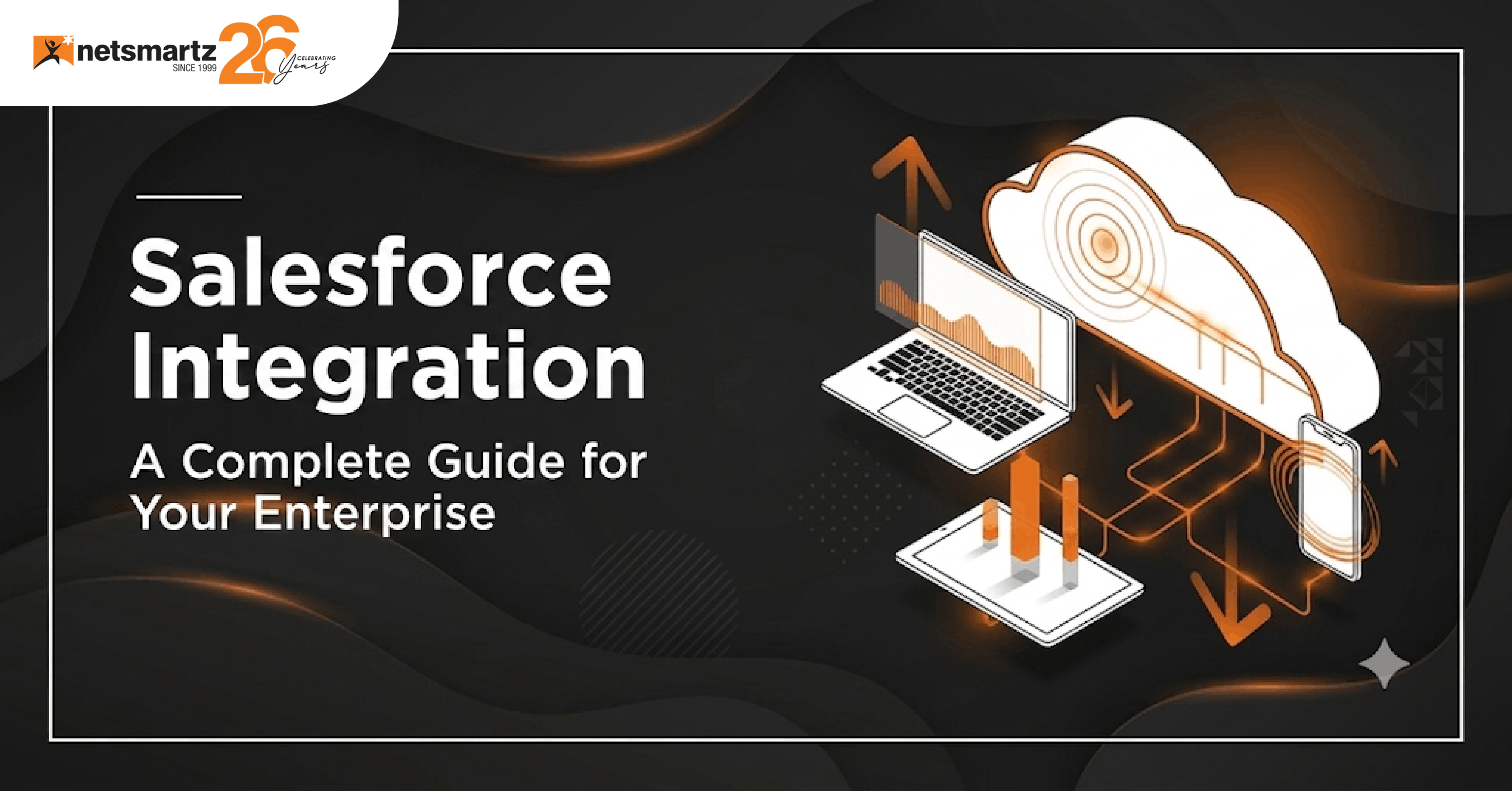
Your customer data is everywhere. It's scattered across your ERP. It's stuck in marketing automation. It's siloed in accounting. It's in old spreadsheets nobody touches. You've got Salesforce, which is powerful. But it's not talking to anything else. So, you've got clean data in Salesforce and garbage data everywhere else. That's when you realize the real problem: Salesforce alone isn't enough. You need integration.
When Salesforce connects properly with your other systems, everything changes. Data flows. Processes automate. Your team stops manually copying information between systems. Information is actually accurate across platforms. That's when ROI starts appearing.
Why Salesforce integration matters
Salesforce is powerful on its own. But standalone, it's just a really expensive note-taking system. The real value comes when Salesforce talks to everything else, your ERP, your accounting system, your marketing automation, and your warehouse management system. When those conversations happen, you get a unified picture of your business.
Research from McKinsey highlights that organizations with connected data and digital systems are better positioned to improve operational efficiency, decision-making, and customer experiences.
Without integration, you're managing multiple versions of the truth. Sales has one version of the customer. Marketing has another. Finance has yet another. Nobody's working from the same data. Decisions are made on incomplete information. Processes break. Time gets wasted on manual data entry. That's the cost of disconnected systems.
What Are the Three Types of Integration?
There's no one-size-fits-all integration approach. Different problems need different solutions. Some integrations focus on data synchronization. Others automate processes. Some embed Salesforce into existing applications. Understanding which type solves your specific problem matters more than picking the most complex option available.
- Data Integration: You're synchronizing customer records between Salesforce and your other platforms, so everyone's working with current information. Marketing automation syncs leads. ERP syncs customer orders. Finance syncs invoices. It's straightforward and critical. This is where data stops being fragmented and starts making sense.
- Process Integration: This is where automation happens. Marketing qualified leads automatically flow to sales. New customers in Salesforce trigger notifications in fulfillment. Quote approvals route through the right people. Workflows run across systems without manual handoffs. This is where efficiency actually appears, and busy work disappears.
- User Interface Integration: This embeds Salesforce into other applications, so your team doesn't have to jump between windows. A support agent opens a customer record in your ticketing system, and customer Salesforce data is right there. No switching. No hunting for information. It's seamless. Your team works faster because they're not context-switching constantly.
What actually improves when you integrate properly
Data stops being a mess. Manual data entry drops to near zero. Records stay accurate across platforms. Your team stops spending time fixing duplicate records or hunting for current customer information.
Customer experience improves because everyone has a complete view of customer interactions. For industries like real estate, a connected Salesforce real estate CRM helps teams manage leads, property information, customer communication, and sales activity from a unified platform. This context creates better experiences and faster decision-making.
Your team gets time back. Hours spent copying data between systems or manually updating records just disappear. That time goes toward strategy, relationships, and customer focus on actual value-add work instead of administrative busywork.
Scaling becomes possible. As you grow, integration prevents you from drowning in manual processes. Systems talk to each other automatically. Workflows are adjusted. You can handle volume without adding headcount proportionally.
Teams actually work together. Sales and marketing can finally see each other's data. Operations understands what's actually happening in the field. Finance can reconcile faster. Collaboration stops being theoretical and becomes actual.
"Salesforce integration transforms a great CRM into a business operating system. That's when real ROI shows up."
What Are the Key Steps to Get Integration Right?
Start with clarity about what you're trying to solve. Are you trying to fix data consistency? Automate processes? Improve visibility? Streamline operations? Different problems need different approaches. Define what success looks like upfront.
Assess your technical landscape honestly. What systems do you actually have? How are they currently connected (or not)? What data matters most? This assessment determines your strategy. Skip it and you'll build the wrong solution.
Choose the right approach. Simple integrations use APIs or connectors. Complex scenarios might need middleware platforms like MuleSoft. Don't over-engineer keep it as simple as possible while solving the actual problem. Working with the right Salesforce consulting partner can help organizations evaluate their existing systems, choose the right integration approach, and build a scalable architecture that supports long-term growth.
Test properly before going live. Run integrations with realistic data. See what breaks. Fix it. Run it again with more data. Learn from each test. Going live without testing costs way more than testing takes.
Key practices that actually work
Integration success doesn't come from picking the right technology. It comes from disciplined execution and ongoing attention. These practices separate integrations that thrive from integrations that limp along causing problems.
- Security Matters Constantly: Not just at launch. Encryption during transfer. Secure authentication. Access controls that actually make sense. Compliance with regulations in your industry. Data protection isn't an afterthought, it's foundational. One security mistake and you're dealing with breaches.
- Documentation is Boring and Critical: Write down how integrations work. Document custom code. Explain your architecture. Future you will need this. A new team member will need this. You won't regret documenting. Actually, you'll thank yourself for it.
- Monitor Ongoing: Integrations don't stay perfect forever. Performance degrades. Data quality drifts. Systems evolve. Regular monitoring catches issues before they become disasters. Don't set up integration and ghost it. Check it regularly.
- Build in Flexibility: Your business will change. Your systems will evolve. Integration strategies that can adapt matter more than strategy that's perfect today but rigid tomorrow. Design for change, not just for today's needs.
Conclusion
Salesforce integration isn't optional for growing enterprises. It's the difference between systems that work together and systems that fight each other. Get integration right and your business operates as one unified system. Data flows. Processes automate. Teams collaborate. Decisions improve. That's when Salesforce stops being an expensive CRM and becomes a real growth engine.
Ready to Optimize Salesforce Integration?
Get expert guidance for a seamless integration approach.
Frequently Asked Questions
Data integration syncs information between systems so everyone's working with current records. Process integration automates workflows across systems, so less manual work happens. Most successful integrations do both.
Depends on complexity. Simple integrations connecting two systems might take weeks. Complex environments with multiple legacy systems can take months. Planning and testing timelines accurately matter more than rushing.
Data corruption or security breaches. Bad integration can corrupt data across multiple systems. Insecure integration exposes sensitive information. That's why planning and testing matter so much.
Sometimes. Simple integrations use standard APIs and connectors. Complex scenarios with legacy systems might need custom integration code. Assessment determines what is actually needed.
Monitor performance regularly. Test changes before deploying. Keep documentation updated. Audit security quarterly. Fix issues as they appear. Integration isn't a one-time project—it requires ongoing care.
Reduced manual work. Faster processes. Better decisions based on accurate data. Faster customer response times. Reduced errors from duplicate records. ROI appears within months if integration is done properly.
Ready to build smarter? Let's talk.
Our experts are ready to help you turn ideas into production-ready AI, cloud and digital solutions.
Get In Touch →Let's Discuss Your Growth Strategy
Let's discuss how we can help you accelerate growth, improve efficiency, and drive real business outcomes.