 AI-First Culture
How to Modernize Salesforce Workflows with AI Without Replacing Your CRM
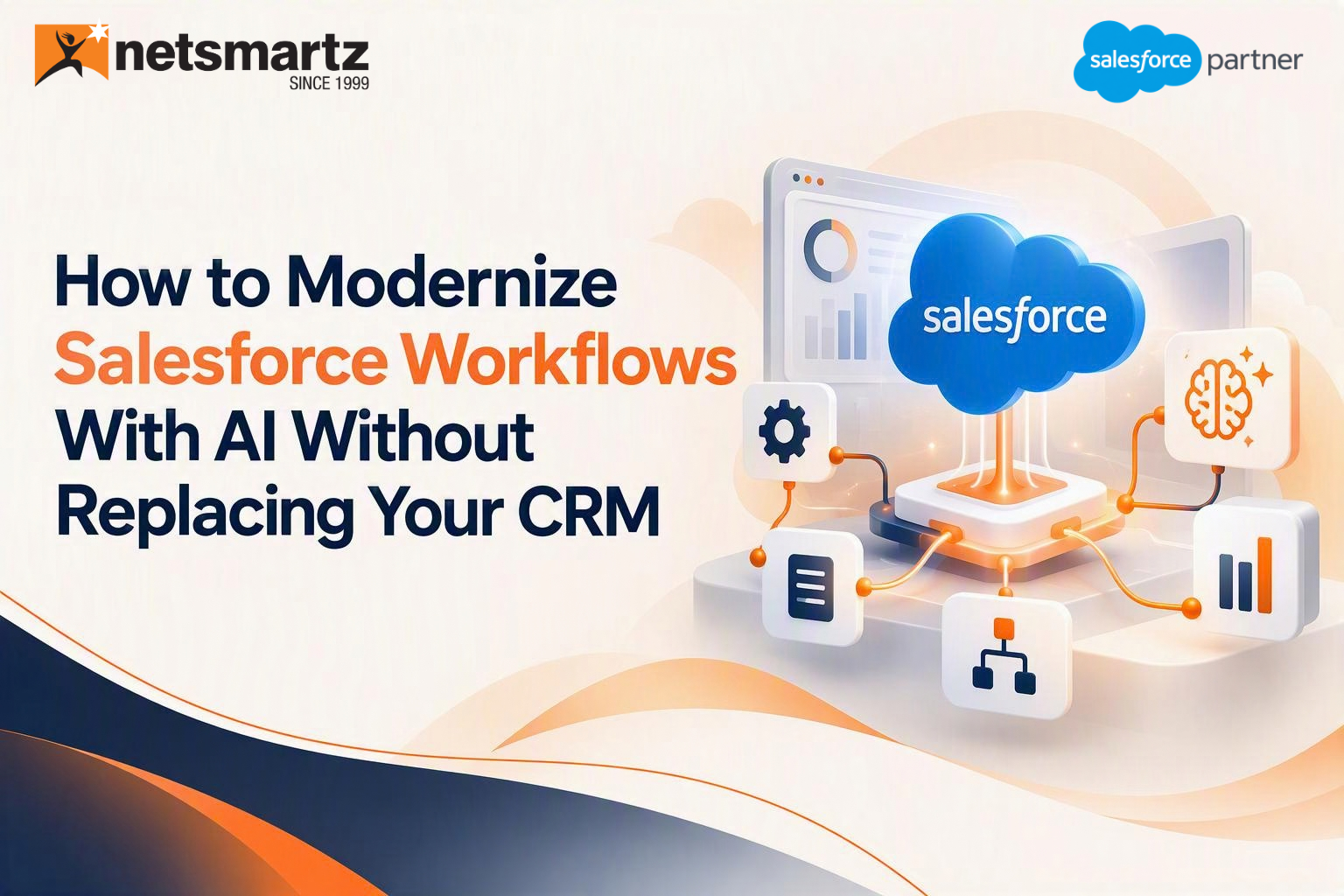
"The smartest AI transformations don't start with replacing systems. They start with making existing systems work smarter."
Many executives in MENA think that the transition to AI means replacing existing CRM systems completely and building a new solution from scratch. However, this is not the case. In fact, most clients of Salesforce already have the platform established properly so the challenge of switching to AI lies rather in the process modernization than in rebuilding the infrastructure. It is possible to implement AI successfully without constant interruptions.
Why CRM Modernization Is Different in the AI Era
Older modernization projects meant replacing legacy systems, usually through long and risky migrations. The AI era flips that logic. The value now comes from adding intelligence to the work your teams already do, and that's a much lighter lift. Nothing here is a knock-on past migration, and some systems really do need replacing. A healthy Salesforce org just usually isn't one of them.
| Modernization lens | Traditional modernization | AI-era modernization |
|---|---|---|
| Starting point | Replace legacy systems | Extend current investments |
| Main effort | Migration and rebuilding | Adding intelligence to existing work |
| Risk to daily operations | High, with long cutovers | Lower, with targeted use cases |
Three misconceptions keep slowing teams down:
- AI requires a new CRM.
- Existing workflows need to be rebuilt.
- AI adoption must happen everywhere at once.
None of them hold up. Salesforce has said that Agentforce adoption among businesses in Saudi Arabia is growing, and McKinsey's latest State of AI survey points the same way for the wider market: only 39 percent of respondents reported any enterprise-level EBIT impact from AI. The gains go to organizations that rethink how work gets done, not to those that simply add more technology.
Signs Your Salesforce Environment Is Ready for AI Modernization
You don't need a perfect org to begin. You do need a few basics in place:
- Strong Salesforce adoption
- Standardized day-to-day processes
- Connected systems
- Reliable customer data
- Executive support for AI initiatives
Then put a few plain questions to your teams:
- Are repetitive tasks slowing teams down?
- Do employees spend time manually updating records?
- Are approvals delaying decisions?
- Do teams struggle to access customer information quickly?
None of this takes a six-month audit. Typically, it takes just a few hours with sales, service, operations managers and a few reports to gain an understanding of the amount of work done.
If you can relate to the questions, you have likely found points where AI can come in handy, and the best ones are the issues with which people are always complaining. This is the essence of Salesforce CRM Modernization: identifying issues that your employees face and finding a solution.
The Biggest Workflow Bottlenecks Holding Organizations Back
Bottlenecks tend to cluster in four places. Here's what each one looks like on the ground. Teams usually feel the process and customer experience bottlenecks first, while data problems stay quiet and end up costing the most.
| Bottleneck | Typical symptoms |
|---|---|
| Data | Duplicate customer records, disconnected information, limited visibility |
| Process | Manual approvals, repetitive data entry, inefficient handoffs |
| Decision-making | Slow responses, lack of insights, delayed actions |
| Customer experience | Inconsistent interactions, slow service resolution, disconnected journeys |
In MENA, data bottlenecks often carry a language twist. One customer can exist in Arabic and again in English, which splits their history across two records and leaves any AI model working from half the story. Apply AI where bottlenecks cost the business most and leave the rest for later. That focus is what keeps Salesforce AI-Powered Workflows tied to real results.
Where AI Delivers the Fastest Modernization Wins
Some areas pay back sooner than others. These four are usually the best starting points because the work is frequent and the results are easy to see. Each one also leaves a clean trail of data inside Salesforce, which gives AI something solid to work from.
Sales Workflows
- Lead qualification
- Opportunity prioritization
- Follow-up recommendations
- Forecasting support
Service Workflows
- Case routing
- Case summarization
- Knowledge recommendations
- Customer assistance
Marketing Workflows
- Audience segmentation
- Campaign personalization
- Lead nurturing
- AI-assisted customer engagement
Internal Operations
- Approvals
- Reporting
- Request management
- Workflow coordination
Internal operations rarely get headlines, yet approvals and request handling quietly eat hours every week.
Salesforce's 2026 Agentic Enterprise Index shows that organizations using Agentforce increased their average number of activated agents nearly threefold over the fiscal year, while average agent creation time fell by 53%. This reinforces the shift from experimenting with AI to using Salesforce AI Agents for practical, repeatable work.
Pick one of these, prove the value, then expand. That steady approach is how Salesforce AI Automation earns trust across departments.
Building an AI-First Salesforce Ecosystem Without Replacing Your CRM
Four layers do most of the work, and they sit on top of what you already run. None of them needs a rip-and-replace project, and skipping one means the others end up compensating for it.
- Unified data foundation: Connected customer information, a single source of truth, and fewer silos.
- Intelligent decision-making: Recommendations, predictive insights, and next-best actions.
- Workflow automation: Less manual effort, faster approvals and handoffs, and more consistency.
- Governance and trust: Security controls, compliance requirements, and human oversight.
Governance deserves extra care in this region. Both the UAE and Saudi Arabia have personal data protection laws, and many organizations have to think about where data is stored. Hyperforce already supports UAE data residency, and in February 2025 Salesforce announced a $500 million investment in Saudi Arabia that includes plans to bring Hyperforce to the Kingdom. Check what's live for your org before you design around it.
The takeaway is simple. You can modernize by adding intelligence to what's already running instead of replacing your Salesforce environment.
Common Mistakes Organizations Make During AI Modernization
Even well-run teams trip over the same few things:
- Trying to automate everything at once
- Focusing on technology before business outcomes
- Ignoring data quality issues
- Lack of change management planning
- No defined AI roadmap
- Unrealistic expectations
- Copying a global rollout without adapting it for local language and regulation
Take the first mistake. Teams that try to automate everything at once stretch themselves thin, and one weak area can sour people on the whole program. A better pattern is to choose two or three use cases, give each an owner, and agree upfront how success will be measured. The last mistake on the list bites often in MENA. A design built for a single-language, single-market team may not survive contact with regional teams who work in Arabic and English under local rules. Whatever the mistake, the cure is the same: start from business priorities and measurable outcomes. That's what separates Salesforce Workflow Modernization that delivers from a pilot that quietly fades.
A Practical Roadmap to Modernizing Salesforce With AI
Treat this as a loop rather than a straight line, since what you learn in step four will often send you back to step three.
- Assess current workflows: Identify bottlenecks, review manual tasks, and evaluate process maturity. Talk to the people doing the work, not just their managers.
- Identify high-impact AI opportunities: Prioritize workflows and focus on measurable results. A short, ranked list beats a long wish list.
- Strengthen data readiness: Improve data quality, connect systems, and eliminate silos. In MENA, that includes handling Arabic and English records consistently. It's the least glamorous step and the one that decides how well AI performs.
- Introduce AI into existing processes: Start with targeted use cases and validate the outcomes. Salesforce AI Integration works best when each use case has an owner and a number to move.
- Scale across the organization: Expand what works and keep optimizing.
Many organizations benefit from a Salesforce AI readiness assessment to identify modernization opportunities and implementation priorities. Working with Salesforce experts like Netsmartz can also help organizations evaluate existing workflows, identify the right AI use cases, improve data readiness, and introduce AI without disrupting the CRM foundation. For regional rollouts, involve compliance early, since data residency questions are far easier to settle before the build than after it. A short assessment now can save a long rework later.
Conclusion: Modernization Doesn't Require a New CRM
AI transformation doesn't require replacing Salesforce. Most organizations already have the foundation they need to become AI-first, and the biggest opportunity sits in modernizing the workflows they run today. Success comes from combining trusted data, intelligent automation, and well-defined business goals. The organizations that move first won't necessarily be the ones with the biggest budgets. They'll be the ones that know which workflows to fix. That's a far better story to take to your board than a multi-year replacement program. For MENA teams, the path runs through 2026 and beyond.
Become AI-First Without Replacing Salesforce
Modernize workflows, improve data readiness, and unlock AI-driven productivity using the Salesforce platform you already trust.
Get in Touch.FAQs
Integrating AI solutions into your existing CRM workflow means that you can benefit from advanced technology while using the same old CRM system without having to replace it.
AI eliminates human tasks, streamlines processes, and ensures that you make the right action.
It is better to start with high-volume low-friction processes like lead follow-up and case management.
Detect any routine processes, lengthy approvals, or useless data.
Calculate how fast a process was completed before and after the implementation of the AI technology.
Ready to build smarter? Let's talk.
Our experts are ready to help you turn ideas into production-ready AI, cloud and digital solutions.
Get In Touch →Let's Discuss Your Growth Strategy
Let's discuss how we can help you accelerate growth, improve efficiency, and drive real business outcomes.