 AI-First Culture
Breaking Down Dynamics 365 Business Central Essentials, Premium, and Team Members Licensing
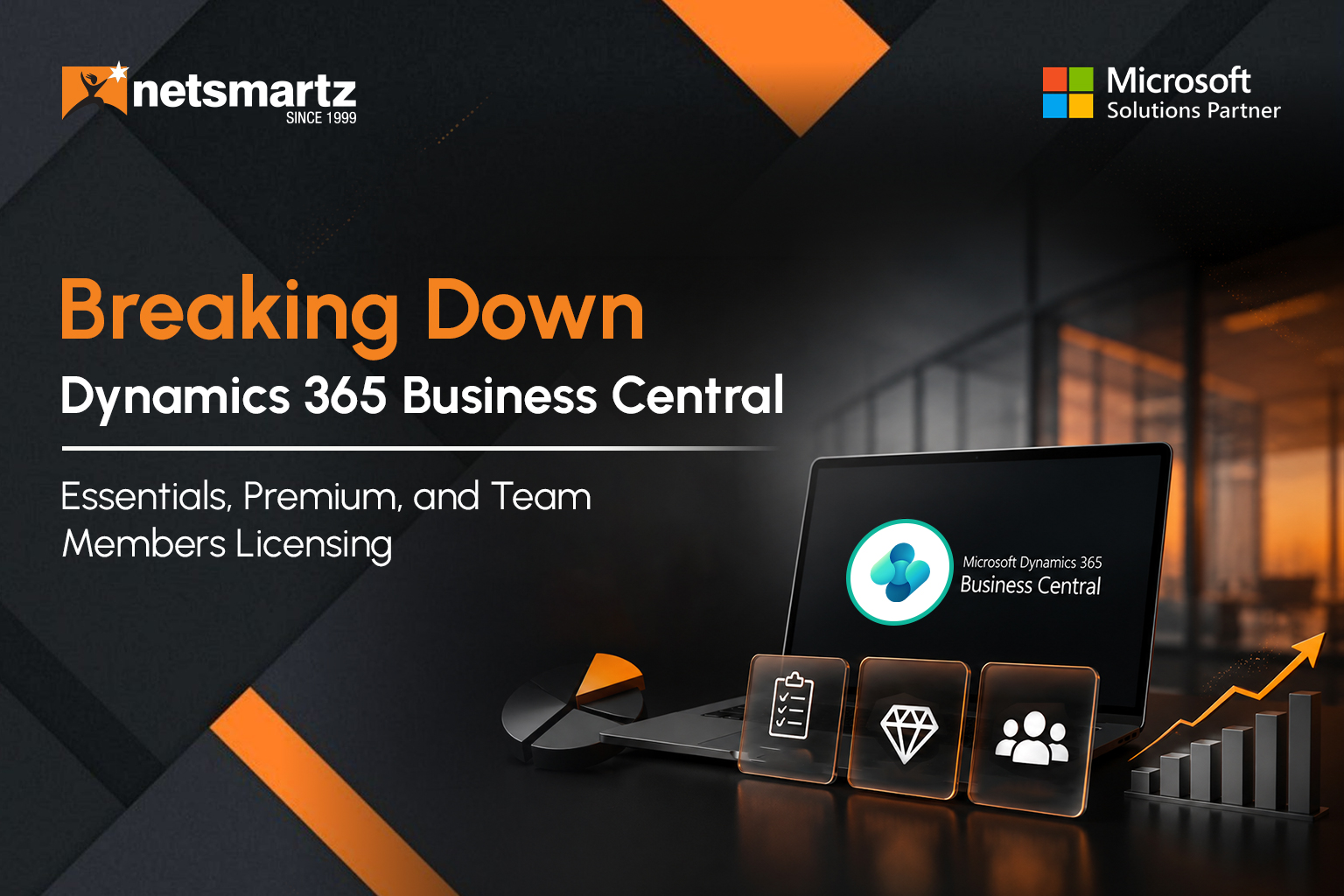
In 2026, U.S. businesses are at a pivotal point in digital transformation. One of the most common questions about Dynamics 365 Business Central is: What does licensing look like, and what will it cost?
Microsoft currently lists Dynamics 365 Business Central Essentials at $80 per user/month, Premium at $110 per user/month, and Team Members at $8 per user/month in the U.S., with the published prices based on annual billing.
But cost is only one part of the picture. The right license depends on the user's role, the functionality they need, and how your organization plans to grow.
This guide explores Dynamics 365 Business Central licensing costs in the USA, explains the differences between Essentials, Premium, and Team Members, and outlines the factors businesses should consider when planning their ERP investment.
With thousands of small and midsize businesses using Business Central, choosing the appropriate licensing model is an important part of an ERP strategy. Let's dive in.
Why Licensing Matters in 2026
When businesses adopt an ERP like Dynamics 365 Business Central, licensing isn't simply a box to check. It affects how users access the system, how costs scale, and whether employees have the functionality required for their roles.
Here are some important dynamics to keep in mind:
Growth and Scale: As your business grows, your user base, roles, processes, and system requirements evolve. Choosing the right license structure helps you scale access without unnecessarily licensing every user at the highest tier.
Cost Control and Budget Predictability: In cloud deployments, licensing is a recurring expense. Understanding per-user pricing, billing terms, and the differences between full and limited-access licenses helps finance teams plan more accurately.
Compliance and Risk: Users need licenses that match their permitted activities. Microsoft provides specific use rights for Essentials, Premium, Team Members, and other Business Central license types. Organizations should review those rights when assigning licenses. Microsoft Licensing
Value Creation, Not Just Cost: Licensing decisions should support business requirements rather than focus solely on choosing the lowest-cost option. The right users need access to the functionality that supports their responsibilities.
Business Central is also continuing to evolve through the 2026 release wave 1, which covers product updates delivered from April through September 2026. The release includes new capabilities across AI, Copilot, agents, finance, reporting, and other areas.
Overview of Business Central Licensing Tiers
Let's look at the three core license types most businesses need to understand: Essentials, Premium, and Team Members. Each has different capabilities, user scenarios, and cost implications.
Business Central also supports Device licensing for scenarios where access is assigned to a shared device rather than an individual user.
Essentials
The Essentials edition of Dynamics 365 Business Central provides core business-management functionality across areas such as financial management, sales, purchasing, inventory, supply chain, warehouse management, projects, and human resources.
For organizations that don't require the additional manufacturing or service-management capabilities available with Premium, Essentials can serve as the full-user license.
Microsoft currently lists Business Central Essentials at $80 per user/month, paid yearly, in the U.S.
Key considerations around Essentials licensing:
Organizations can use Essentials for users who require the core Business Central functionality covered by that license.
A company configured for the Premium experience requires users accessing that company to have the appropriate Premium rights. Essentials users cannot access a company configured for the Premium experience. Microsoft Documentation
Essentials is generally suited to organizations that don't require Business Central's additional manufacturing or service-management capabilities.
Premium
The Premium edition builds on Essentials and adds capabilities for manufacturing and service management.
Microsoft currently lists Business Central Premium at $110 per user/month, paid yearly, in the U.S. Premium includes everything in Essentials plus enhanced capabilities for service management and manufacturing.
Important points for Premium:
Users who require the manufacturing or service-management capabilities covered by Premium need the appropriate Premium license.
Premium functionality is tied to the company's configured experience. Microsoft states that Essentials users can't sign in to a company configured for the Premium experience, while Premium users can access companies configured for either Essentials or Premium. Microsoft Documentation
Evaluate which users genuinely require Premium functionality rather than automatically assigning Premium to every employee.
Team Members
For many organizations, a significant number of users don't need full Business Central functionality. This is where the Team Members license can help.
Microsoft describes Team Members as providing limited access, including the ability to read data, approve workflows, and create or update selected information within the license's permitted use rights.
Microsoft currently lists Team Members at $8 per user/month, paid yearly, in the U.S.
Potential Team Members scenarios include:
Executives or other employees who primarily need to review Business Central information.
Employees who require limited operational access rather than full ERP functionality.
Organizations that need to provide selected users with access without assigning every user a full Essentials or Premium license.
Microsoft 365 access: Microsoft also documents a separate capability that allows eligible Microsoft 365 users to read Business Central data through Microsoft Teams without a separate Business Central license, subject to Microsoft's requirements and limitations. This access is read-only and does not provide access to the Business Central web client, mobile apps, APIs, or integrations. Microsoft Documentation
Dynamics 365 Business Central Licensing Cost in USA: What to Plan For
Understanding the per-user list price is a starting point. Total cost of ownership includes other elements, particularly implementation, migration, integrations, customization, and ongoing support.
List Price Per User
Current U.S. list pricing published by Microsoft is:
Essentials: $80/user/month, paid yearly
Premium: $110/user/month, paid yearly
Team Members: $8/user/month, paid yearly
These are Microsoft's published list prices. Final commercial terms can depend on the purchasing arrangement and applicable agreement.
What Are Additional Cost Factors?
When evaluating total cost of ownership around Dynamics 365 Business Central licensing, consider:
Implementation and migration costs: Implementation costs vary by project scope and complexity. Factors can include business-process design, configuration, data migration, integrations, testing, training, and deployment. There is no single Microsoft-published implementation price because implementation services are separate from the software subscription and are typically delivered through Microsoft partners.
Storage and environment add-ons: Business Central Essentials and Premium subscriptions currently include one production environment and three sandbox environments at no additional charge. Organizations requiring additional production environments can purchase them through their CSP partner.
Upgrade, maintenance, and customization: The SaaS model reduces the infrastructure responsibilities associated with running an ERP on-premises, but organizations may still need to budget for extensions, customizations, third-party applications, and partner support.
License Mix and Role-Based Optimization: The number of full users compared with Team Members users can significantly affect the overall licensing cost. Matching licenses to actual responsibilities can help prevent unnecessary over-licensing.
Rather than planning around an expected 2025 price increase, U.S. businesses evaluating Business Central in 2026 should focus on their current licensing requirements, subscription terms, user growth, and long-term ERP needs.
Long-Term Benefits That Justify Licensing Investment
When evaluating the cost of licensing, it helps to consider strategic benefits and future readiness, not just immediate features.
Cloud-Native SaaS Benefits
With Business Central delivered through SaaS, organizations can benefit from:
Always-current functionality: Business Central is updated through Microsoft's regular release cycle. 2026 release wave 1 corresponds to version 28, with updates released throughout the wave.
Lower infrastructure overhead compared with managing an on-premises ERP environment, including fewer responsibilities around hardware, operating-system maintenance, and database infrastructure.
The ability to adjust user licensing as business requirements change.
Integration With the Microsoft Ecosystem
Business Central connects with the broader Microsoft ecosystem, including:
Microsoft 365 applications such as Outlook, Excel, and Teams
Power Platform services such as Power BI, Power Apps, and Power Automate
These connections allow organizations to extend ERP processes, reporting, automation, and collaboration beyond the core Business Central application.
Business Flexibility and Scalability
Licensing disciplines can help organizations stay agile. For example:
Start with Essentials when your business processes align with its capabilities and move to Premium when manufacturing or service-management requirements emerge.
Use Team Members where users need only the limited functionality permitted by that license.
Review user access as the organization grows so that licensing remains aligned with business responsibilities.
Innovation Readiness
Business Central's 2026 release wave 1 continues to expand AI and agent capabilities. Microsoft is introducing new functionality across Copilot and agents alongside broader improvements to Business Central.
Choosing the appropriate licensing tier and planning for future requirements can help businesses take advantage of new capabilities as their needs evolve.
Total Cost of Ownership (TCO) Efficiency
Compared with maintaining legacy infrastructure or disconnected business applications, a well-planned Business Central environment can help reduce duplicated processes and administrative overhead.
The value, however, depends on how effectively the ERP is implemented, adopted, integrated, and aligned with business processes.
Key Differences: Essentials vs Premium vs Team Members
Here is a breakdown of how these licensing tiers differ in terms of user roles, functionality, and cost impact.
License Tier Typical User Role Core Functionality List Price (U.S.) Essentials Accountant, sales manager, operations supervisor Core finance, sales, purchasing, inventory, projects, and other Essentials functionality $80/user/month Premium Manufacturing or service-management users Everything in Essentials plus manufacturing and service management $110/user/month Team Members Users with limited access requirements Read data, approve workflows, and create or update selected information $8/user/month
Key distinctions and impact:
If your business requires the manufacturing or service-management capabilities included with Premium, the appropriate full users need Premium rights.
Team Members can be appropriate when users don't require full Business Central functionality.
The choice between Essentials and Premium affects not only licensing cost but also the functionality available to users.
Smart Questions to Ask When Planning Your Licensing Strategy
As you evaluate your Business Central licensing strategy, ask:
What business processes do we support today, and which ones do we expect to support over the next 2–3 years?
How many users actually need full Business Central access versus limited functionality?
Are Essentials capabilities sufficient, or do we require Premium functionality?
What is our expected user-growth rate, and how will licensing scale with it?
What is our budget horizon for recurring licensing costs, implementation, upgrades, and support?
Are we clear on our subscription terms, licensing requirements, and how pricing applies to our agreement?
How well does our partner understand Business Central licensing, including company and tenant considerations?
Are we using Microsoft 365 and Power Platform integrations to maximize the value of our ERP investment?
Are we assigning Team Members licenses where their permitted use rights match the user's requirements?
Do we have a governance process for license assignment and periodic review?
Trends and Licensing Shifts to Watch in 2026 & Beyond
Several developments are shaping how organizations think about Business Central licensing and ERP investments.
Current pricing: Microsoft currently lists Business Central Essentials at $80/user/month, Premium at $110/user/month, and Team Members at $8/user/month in the U.S., with annual billing.
Growing importance of role-based licensing: Organizations can better manage licensing costs by aligning user access with actual responsibilities instead of assigning full licenses by default.
Cloud and subscription model: Business Central Online uses a cloud-based subscription model, while Microsoft also supports Business Central on-premises deployments. The licensing and operational considerations differ between the two deployment options.
AI and agent capabilities: Business Central's 2026 release wave continues to expand Copilot and agent capabilities, alongside improvements across finance, reporting, supply chain, and other areas.
Tighter connection with the Microsoft ecosystem: Licensing decisions should be considered alongside the broader Microsoft environment, including Microsoft 365 and Power Platform, rather than treating Business Central as an isolated application.
Licensing Strategy: How to Optimize and Future-Proof
Here are some practical ways to get the most from your Business Central licensing investment.
Role-Based License Allocation
Start by dividing users according to what they actually need:
Full users requiring Essentials
Full users requiring Premium
Users whose requirements fit Team Members
Device or other special-case licensing scenarios
Match the license to the user's actual responsibilities and permitted use rights.
Planning for Scalability
If you expect your business to grow, add manufacturing or service operations, or expand into new markets, consider those requirements when designing your licensing strategy.
For example, an organization can start with Essentials where appropriate while planning for a potential Premium requirement as its operations evolve.
Plan for Predictable Licensing Costs
Rather than planning around a historical price increase, build a licensing model around current pricing, expected user growth, and the functionality each role will require.
Review licensing requirements periodically as users change roles or business processes evolve.
Use Team Members Wisely
Organizations sometimes assign full licenses to users who don't need the full functionality of Business Central.
At Microsoft's current U.S. list price of $8/user/month, Team Members can be a lower-cost option for users whose requirements fit the limited access rights associated with that license.
The key is to evaluate the user's actual activities rather than assuming that Team Members is appropriate simply because the user is not a core ERP user.
Align Licensing With Business Value
Rather than thinking about licensing purely as a cost, connect the license to the business capability it enables.
For example, a Premium user involved in manufacturing may need access to production and service capabilities that directly support operational processes.
Monitor Usage and Audit Periodically
Review who is using Business Central, what functionality they require, and whether their assigned license continues to match their responsibilities.
This can help identify over-licensing and keep license assignments aligned with business needs.
Partner With Expertise
Business Central licensing can become complex as organizations introduce multiple companies, users, integrations, and business requirements.
A knowledgeable Microsoft partner can help evaluate licensing options, implementation requirements, integrations, and future growth scenarios.
Common Licensing Pitfalls and How to Avoid Them
Here are some common mistakes organizations can make with Business Central licensing.
Mixing Essentials and Premium without considering the company experience: If a company is configured for the Premium experience, users accessing that company need the appropriate Premium rights. Microsoft source
Under-optimizing limited-access users: Assigning full Essentials or Premium licenses to users who only need limited Business Central functionality can increase unnecessary licensing costs.
Failing to review license assignments: User roles can change over time. Periodically reviewing access helps ensure employees have the functionality they need without unnecessary licensing.
Not planning for upgrade paths: Selecting a license based only on today's requirements can create challenges if the business later introduces manufacturing or service-management processes.
Failing to align licensing with usage and roles: Organizations can sometimes assign full licenses by default rather than evaluating what users actually need to accomplish.
Neglecting integration and total cost of ownership: Focusing only on the per-user subscription price can underestimate the total investment required for implementation, training, customization, integrations, and support.
What This Means for U.S. Businesses in 2026
For U.S. organizations evaluating Business Central in 2026 and beyond, several considerations deserve attention:
Currency and regional pricing: The prices discussed in this article reflect Microsoft's current U.S. list pricing in U.S. dollars. Organizations should confirm final commercial terms, applicable taxes, billing arrangements, and agreements before purchasing.
Rather than planning around the 2025 price increase, businesses should evaluate current subscription terms and expected licensing needs when budgeting for Business Central.
Growth and scalability: Business Central continues to evolve as a cloud ERP platform, with 2026 release wave 1 introducing and expanding functionality across multiple areas of the product.
Licensing governance is critical: Maintaining accurate license assignments and reviewing user access helps organizations manage both compliance and cost.
Cost optimization matters: Using the appropriate combination of Essentials, Premium, Team Members, and applicable access options can help organizations align licensing spend with actual business requirements.
[NEW] Microsoft 365 access: Eligible Microsoft 365 users can read Business Central data through Microsoft Teams without a separate Business Central license, subject to Microsoft's requirements and limitations. This can provide a useful option for employees who only need read access rather than full Business Central functionality.
Future-proofing your architecture: If your roadmap includes manufacturing, service management, advanced analytics, or AI-driven workflows, consider those requirements when selecting and planning your Business Central licensing strategy.
Choosing the right Dynamics 365 Business Central license is more than a budgeting decision. It is a step toward building a more connected and scalable business environment. Whether you're evaluating Essentials, Premium, or Team Members, aligning licensing with your business goals can help you manage costs while giving employees the functionality they need.
At Netsmartz, our Microsoft Solutions Partner team helps U.S. businesses evaluate Business Central licensing options, plan implementations, optimize user access, and build ERP strategies that support long-term growth. Connect with us to explore the right Dynamics 365 Business Central licensing strategy for your organization.


Ready to build smarter? Let's talk.
Our experts are ready to help you turn ideas into production-ready AI, cloud and digital solutions.
Get in touch →Let's Discuss Your Growth Strategy
Let's discuss how we can help you accelerate growth, improve efficiency, and drive real business outcomes.