 AI-First Culture
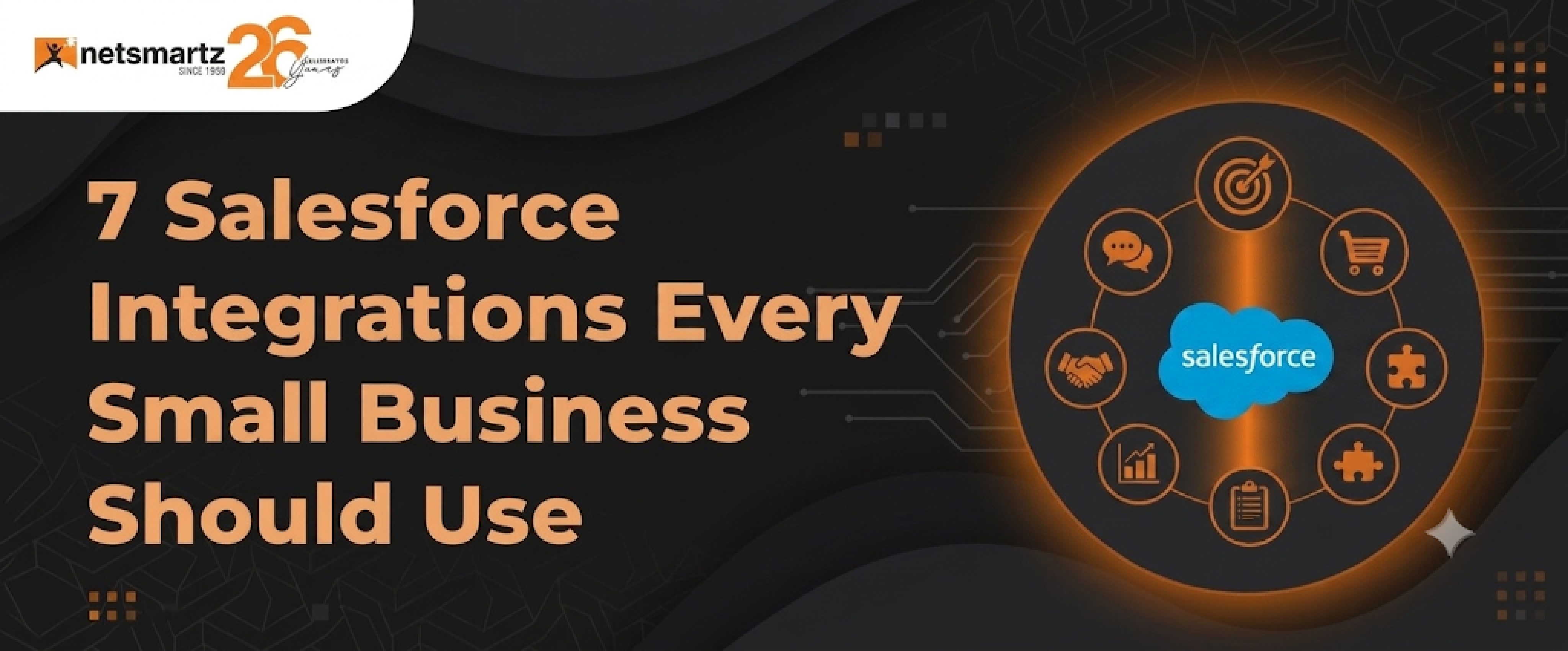
7 Salesforce Integrations Every Small Business Should Use
Your team probably switches between Salesforce, Gmail, Slack, and QuickBooks more times a day than they should. Every manual switch waste time, creates data gaps, and increases the chance of important information being missed.
Salesforce delivers more value when it connects with the tools your business already uses. The right integrations turn it into a central hub where data syncs automatically; manual work is reduced, and teams work from a single source of truth.
Choosing the right setup can be challenging, which is where a Salesforce certified partner can help. They can identify the right integrations, configure workflows, and ensure your Salesforce environment supports your business goals.
Below are seven Salesforce integrations worth considering for growing businesses.
The 7 Must-Have Salesforce Integrations
1: Gmail & Google Workspace
For a lot of businesses, email is still where sales conversations actually happen, even though the deal data lives in Salesforce. That disconnect creates lost context and a lot of manual busy work. Salesforce's native Gmail integration, which comes through a Chrome extension, closes that gap by allowing teams to log emails, create leads, and pull up contact history without ever leaving their inbox.
Reps can log an email to a Salesforce record with one click, see deal stages and recent activity right inside Gmail, sync calendar events automatically, and spin up new records straight from incoming messages. Nothing gets lost, and nobody's digging through two systems to piece together what happened with an account.
Pair it with Einstein Activity Capture, and you can reduce manual data entry even further. Sales teams get more time back in their day to focus on selling.
2: QuickBooks + Salesforce
Here's a familiar headache as a business grows: sales close a deal in Salesforce, and then someone has to go rebuild that invoice by hand in QuickBooks. It's slow, it's error-prone, and finance ends up frustrated more often than not.
Connect the two, and that handoff disappears. Close an opportunity in Salesforce, and the invoice data flows directly into QuickBooks. Customer records stay in sync, and payment status is visible right inside the CRM. Finance gets a live view of revenue without chasing anyone for updates.
One idea worth trying: build a dashboard showing each account's total spend and payment history. It gives account managers useful context before every customer conversation.
3: Slack + Salesforce
Slack is where your team actually talks. Salesforce is where the pipeline lives. Without a connection between them, people end up toggling between the two constantly or missing updates altogether. Wire them together and you get visibility into account activity without anyone needing to be logged into the CRM all day.
Once it's set up, things like deal stage changes, new leads, closed-won deals, and overdue tasks can land directly in Slack. Teams can pull Salesforce records into a conversation or spin up dedicated channels for specific deals, which tends to make collaboration a lot less chaotic.
A small touch that goes a long way: a #deals-won channel that posts closed deals automatically. It's a nice transparency boost and genuinely good for morale.
4: Mailchimp + Salesforce
Marketing and sales drifting out of sync is one of the more common growth blockers businesses face. Marketing may still be emailing lists that sales stopped engaging with months ago, while campaign-generated leads sit unassigned. Connecting Mailchimp with Salesforce helps fix this disconnect at the source.
Once it's linked, data moves both directions: contacts created in Salesforce feed into Mailchimp lists, and opens, clicks, and unsubscribes flow back into Salesforce records. That gives reps in actual context before they ever pick up the phone, and it means you can trigger email journeys based on what's really happening in the CRM. Someone who's opened your last three emails is a completely different conversation than someone who's opened none of them.
5: DocuSign + Salesforce
The last stretch of a deal is usually where things stall out. A contract gets drafted, emailed, buried in an inbox, resent, and then someone finally updates the CRM once it is signed. That entire process can add days to a sales cycle.
Connect DocuSign with Salesforce, and your team can draft contracts, send them for signatures, and track their status without leaving the CRM. Once a document is signed, the record updates automatically. Setting up templates for common contracts such as SOWs, NDAs, and proposals allows reps to send polished, personalized documents in just a few minutes.
6: Zapier + Salesforce
If a tool you rely on does not have a native Salesforce connector, Zapier is often a practical workaround. Form builders, project management tools, and payment processors can connect with Salesforce through simple, no-code automations called Zaps.
For businesses without a dedicated developer, this can make a big difference. A new form submission can automatically create a Salesforce lead, or a closed-won deal can trigger an onboarding workflow in another system. These automations can often be set up in minutes. A good place to start is connecting your website contact form directly to Salesforce leads. It is a small improvement that can quickly reduce manual work.
7: Shopify + Salesforce
If you're selling online, the gap between your Shopify store and your CRM is probably costing you money. Purchase history and buying behavior should be informing your sales and marketing decisions, but they can't do that while they're stuck in a system nobody else looks at.
Connect the two and customer and order data flows both ways: every Shopify customer becomes a Salesforce contact, every order shows up as an activity, and your team can pull up someone's full purchase history without switching tools. That's a real asset for retention and for making follow-ups feel personal rather than generic.
Salesforce's Connected Shoppers Report highlights the growing importance of unified commerce, with retailers increasingly relying on connected customer and commerce data to deliver personalized experiences across channels. One practical move: segment customers by lifetime value in Salesforce, pull together a VIP list from your top tier, then use Mailchimp to send that group offers nobody else on your list is seeing.
How to Choose the Right Integrations for Your Business
Not everything on this list deserves a spot at the top of your priority list. It really comes down to how your business operates day to day.
| Your Situation | Start With | Then Add |
|---|---|---|
| Heavy email communication | Gmail + Google Workspace | Slack + Mailchimp |
| Product-based or e-commerce | Shopify + QuickBooks | Mailchimp + DocuSign |
| Service-based / consultancy | Gmail + DocuSign | QuickBooks + Slack |
| Limited tech budget | Zapier + Gmail | QuickBooks + Mailchimp |
| Fast-growing sales team | Slack + DocuSign | Zapier + Mailchimp |
"Salesforce becomes truly valuable when it connects every part of your business. The right integrations eliminate data gaps, reduce manual work, and help teams make faster decisions with confidence."
The Bottom Line
Salesforce delivers the most value when it is connected to the rest of your business. These seven integrations are a strong starting point for growing companies that want to close data gaps, reduce manual work, and improve sales efficiency. You do not need to implement all of them at once. Start with the integrations that solve your biggest challenges, optimize them, and expand from there.
Connect Salesforce With the Tools Your Business Already Uses
Get expert guidance to select, configure, and optimize Salesforce integrations that improve productivity and support business growth.
Frequently Asked Questions
They're connections between Salesforce and other business software, such as Gmail, QuickBooks, Slack, and similar tools, that allow data to move automatically between platforms instead of being entered manually across multiple systems.
Not usual. Native connectors and tools like Zapier can often get a basic integration up and running in minutes. More complicated setups might call for a Salesforce consulting partner, but the payoff tends to come quickly either way.
Depends on the integration. Native ones like Gmail or Slack are often already included in your Salesforce plan. Third-party platforms like Zapier usually start around $20 a month for a basic plan, and enterprise-level tools can run a lot higher. A consultant can help match the approach to what you have to spend.
For most small businesses, Gmail and Google Workspace deliver the fastest results. They reduce manual email logging and bring CRM context directly into the inbox, often saving reps 20 to 30 minutes a day with minimal setup.
Yes. Zapier connects Salesforce to thousands of apps, including plenty without a native connector, which makes it a solid fit for businesses running a less common set of tools.
Ready to build smarter? Let's talk.
Our experts are ready to help you turn ideas into production-ready AI, cloud and digital solutions.
Get In Touch →Let's Discuss Your Growth Strategy
Let's discuss how we can help you accelerate growth, improve efficiency, and drive real business outcomes.